

In a nutshell
Dedicated addresses allow you to create unique blockchain addresses for each customer. These addresses can receive stablecoins across multiple EVM-compatible chains, with deposits automatically swept to your master wallet.
Dedicated addresses allow you to create unique blockchain addresses for each customer. These addresses can receive stablecoins across multiple EVM-compatible chains, with deposits automatically swept to your master wallet.
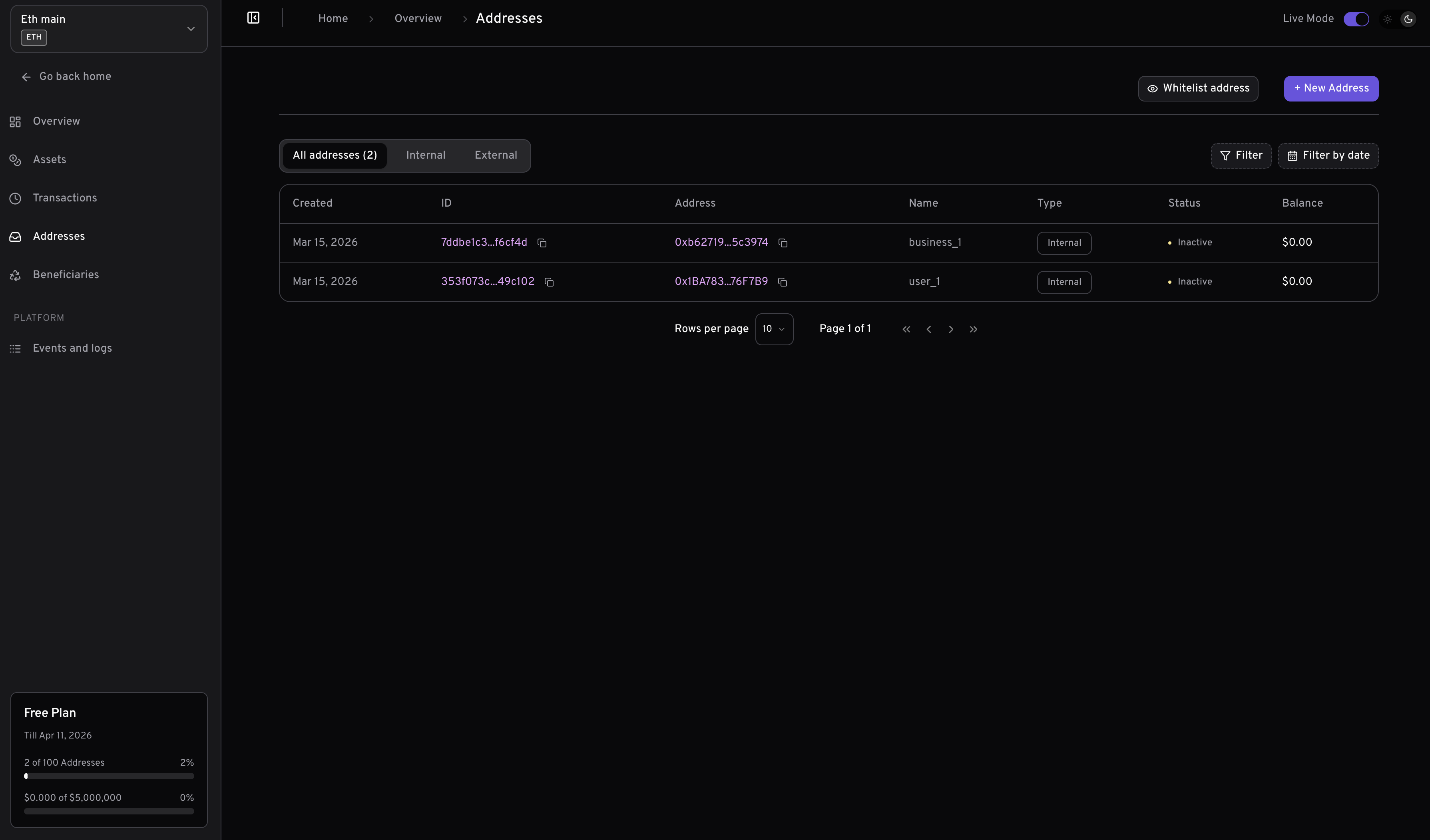
Prerequisites
Before generating addresses, ensure you have:1
API Key
Get your API key from the Yiksi Pay Dashboard. Navigate to Developers to generate one.
2
Master Wallet Created
Create at least one master wallet via the Create Wallet API or dashboard. You’ll need the
walletId to generate addresses.3
Wallet Funded
Fund your master wallet with native tokens (ETH, BNB, MATIC, etc.) to cover gas fees for auto-sweeping operations.
4
Webhook Configured
Set up your webhook URL on the master wallet to receive deposit notifications. See Webhooks for setup details.
How It Works
Dedicated Addresses is a crucial feature on Yiksi Pay that enables you to create unique addresses for your customers. These addresses allow your customers to deposit stablecoins into your fintech app seamlessly. When you create a dedicated address for a customer, they can use that single address to deposit stablecoins across multiple EVM-compatible blockchains. For example, if you have Ethereum, Binance Smart Chain, Polygon, and Base master wallets created, each address you generate through any of these master wallets can be used to receive stablecoins on any of the supported blockchains and assets. This ensures that you don’t have to worry about your customer sending stablecoins to the wrong blockchain. Additionally, when stablecoins are deposited into a particular address, the assets are automatically moved to the chain’s master wallet address.Aside from Tron and Solana, addresses generated from one wallet can be used to deposit stablecoins across other blockchains that have the blockchain parameter
isEvmCompatible: true.Address Parameters Explained
When creating or updating an address, you can use the following optional parameters to customize its behavior:Notes:
- All these parameters are optional; you only need to include those relevant to your use case.
- Enabling
showPrivateKeycan expose sensitive information. Only use this in secure, trusted environments. - Be cautious with
showPrivateKeyexposing private keys can compromise security.
Create a Dedicated Address
You can generate a dedicated address for your customer using either the Yiksi Pay dashboard or the API, depending on your workflow and integration needs.1. Using the Dashboard
The Yiksi Pay dashboard provides a simple, user-friendly interface for generating new addresses.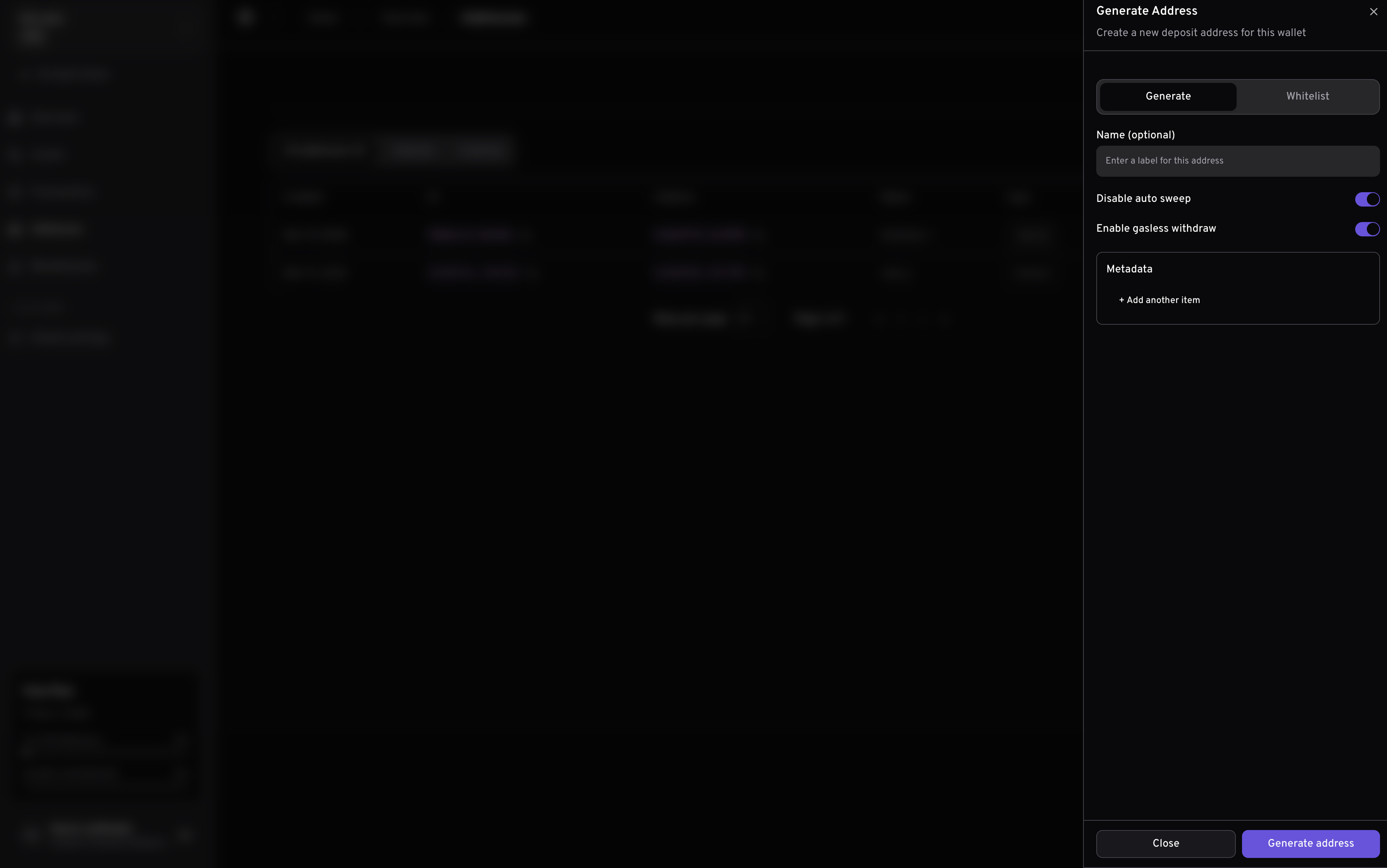
This screenshot demonstrates the process of generating a new address via the Yiksi Pay dashboard. This method is ideal for manual address creation or for teams who prefer a graphical interface.
2. Using the API
For programmatic or automated address generation, you can use the Create Dedicated Address API.This is useful for integrating address creation into your own applications or backend systems. To create a dedicated address for a customer, send a
POST request to our Create Dedicated Address API.
Response
Address Whitelisting
This feature allows you to whitelist an external address to be monitored based on the wallet’s requirements. This means that if you manage your own address generation, you can still use Yiksi Pay to monitor deposits made to that address.Body Parameters
Response
Testing
Addresses generated via a testnet master wallet can only receive assets on the testnet.
- Ethereum - Get test USDC here: Circle
- Binance Smart Chain - Get test USDT here: Binance
- Polygon - Get test USDC here: Circle
- Base - Get test USDC here: Circle
- Tron - Get test USDT here: Nileex
- Solana - Get test USDC here: Circle
- Optimism - Get test USDC here: Circle
- Arbitrum - Get test USDC here: Circle
- Celo - Get test USDC here: Circle
Happy hacking! ❤️